Sprite sheet tools that respect your art and your time.
Pack frames into clean sprite sheets, slice sheets back into frames, convert GIFs both ways and turn artwork into true pixel-grid sprites. Everything happens in your browser — your files are never uploaded — and every sheet exports with the data format your engine actually reads.
Five tools, one workbench
Sprite Sheet Maker
Pack images or a GIF into one sheet — MaxRects or grid layout, trimming, animation preview, 15 export formats.
Free · local
Sprite Sheet Cutter
Slice a sheet back into individual frames — by grid or auto-detected transparent gutters. ZIP + frames.json out.
Free · local
GIF ↔ Sprite Sheet
Rebuild a GIF's frames into a sheet with timings preserved — or turn a sheet back into an animated GIF.
Free · local
Image to Pixel Art
Convert any image into a true pixel-grid sprite: exact 32/64/128px sizing, palette quantisation, transparent PNG.
Free · local
AI Sprite Generator
AI character generation is in Beta — static single characters and still variants at 128px. Try the live pixel post-processing demo today.
Beta
How a sheet gets made here
Drop your frames
PNG/JPG frames, or a whole GIF. Files are decoded on your machine only.
Pack or slice
MaxRects smart packing with trimming, or a clean uniform grid. Cut existing sheets by grid or auto-detection.
Preview the motion
Play the sequence back in the browser before you export, frame by frame if you need to.
Export for your engine
PNG plus the exact data file your engine expects — no hand-editing coordinates.
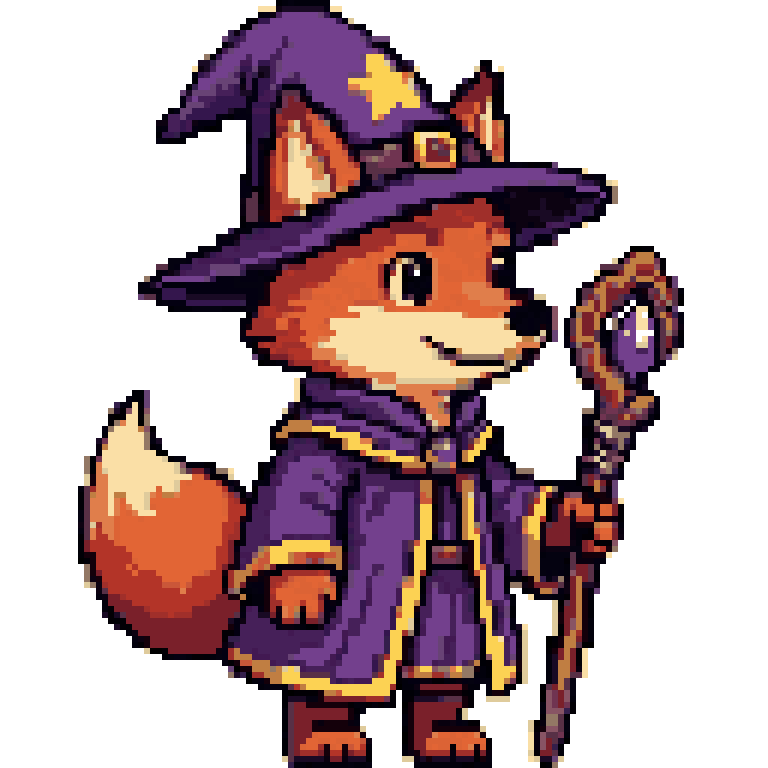
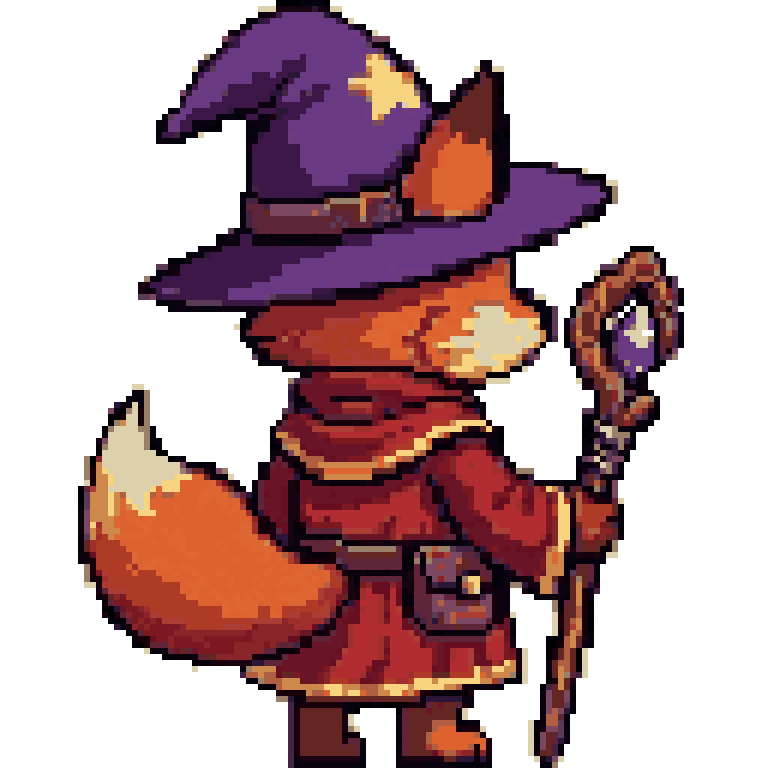
A sample, honestly labelled
Questions
Are my images uploaded anywhere?
No. Every tool on this site runs in your browser tab using Canvas. Close the tab and the files are gone. The only exception boundary is the AI Beta: if you use AI generation when it opens, the prompt and any reference image you choose would be sent to a model API — the page says so plainly before anything is sent.
Which export format does my engine need?
Phaser wants the Phaser 3 JSON (or JSON Hash). Godot users take the Godot Atlas JSON or slice uniform sheets in-editor. Unity works from the sheet PNG with the built-in Sprite Editor, or the .tpsheet file with the TexturePackerImporter. PixiJS reads JSON Hash directly. The guides walk through each one.
What does "trim" do?
Trim removes fully transparent borders from each frame before packing, so sheets stay compact. The original offsets are recorded in the exported data (spriteSourceSize), so engines can restore each frame's intended position.
Is it really free?
Yes — the maker, cutter, GIF tools and pixel converter are free with no account and no watermark. They cost us nothing to run because they run on your machine.
Can I use the output in a commercial game?
Your art is yours. Sheets you pack or slice here are your own files processed locally. For AI Beta output, see the terms note on the AI page when generation opens.