Image to Pixel Art
Turn a photo, sketch or AI illustration into a sprite on a true pixel grid — not a blurry thumbnail. Palette quantisation keeps small accent colours (eyes, gems, glints) instead of washing them away. Free · runs 100% locally in your browser
Settings
Before
After
What "true pixel art" means here
Most "pixel" filters shrink an image with smooth (bilinear) scaling, leaving hundreds of muddy colours. This converter does the three things a pixel artist would do: it samples with nearest neighbour so every output pixel is a real source colour, quantises to a small palette with a median-cut algorithm weighted by area, and outputs at the exact pixel size you asked for — display it at 4× and the grid stays crisp.
One honest limit, learned from testing AI illustrations: shrinking a detailed picture to 32px cannot invent the hand-placed pixels of a native 32px sprite. Faces and thin props (a staff, a sword) soften first. 128px with 32 colours is the sweet spot for character art; use 32/64px for icons and chunky props.
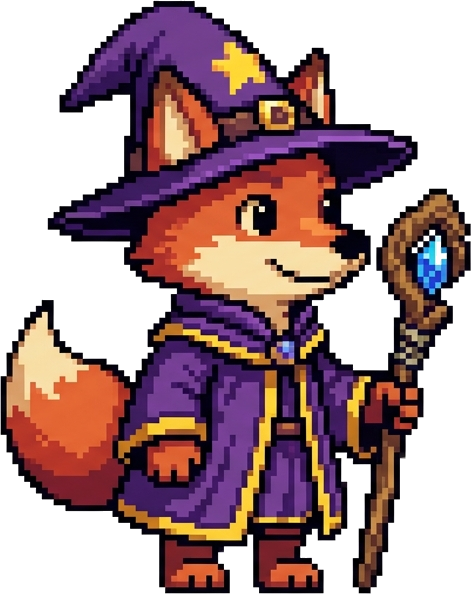
Trying it on our sample? The fox mage on the home page went through exactly this pipeline — download it from here (background already removed) and convert at 128px / 32 colours to reproduce it.